
Adobe's AI Assistant for Photoshop: What It Means for You
The short version
Adobe's AI assistant for Photoshop is a smart helper tool that lets you edit photos using simple English instructions, like "remove that person" or "make the background brighter." It's now available in beta on the web and mobile apps for Photoshop users, plus new AI editing features are coming to Adobe's Firefly image tool. Paid users get unlimited free uses until April 9, while free users start with 20 tries—this makes photo editing faster and easier for hobbyists and pros alike.
What happened
Imagine Photoshop as your digital darkroom for fixing and fancying up photos. Adobe, the company behind it, first teased this AI assistant back in October at their big event. Now, it's rolling out in a test version (called beta) that anyone with Photoshop can try on web browsers or phone apps.
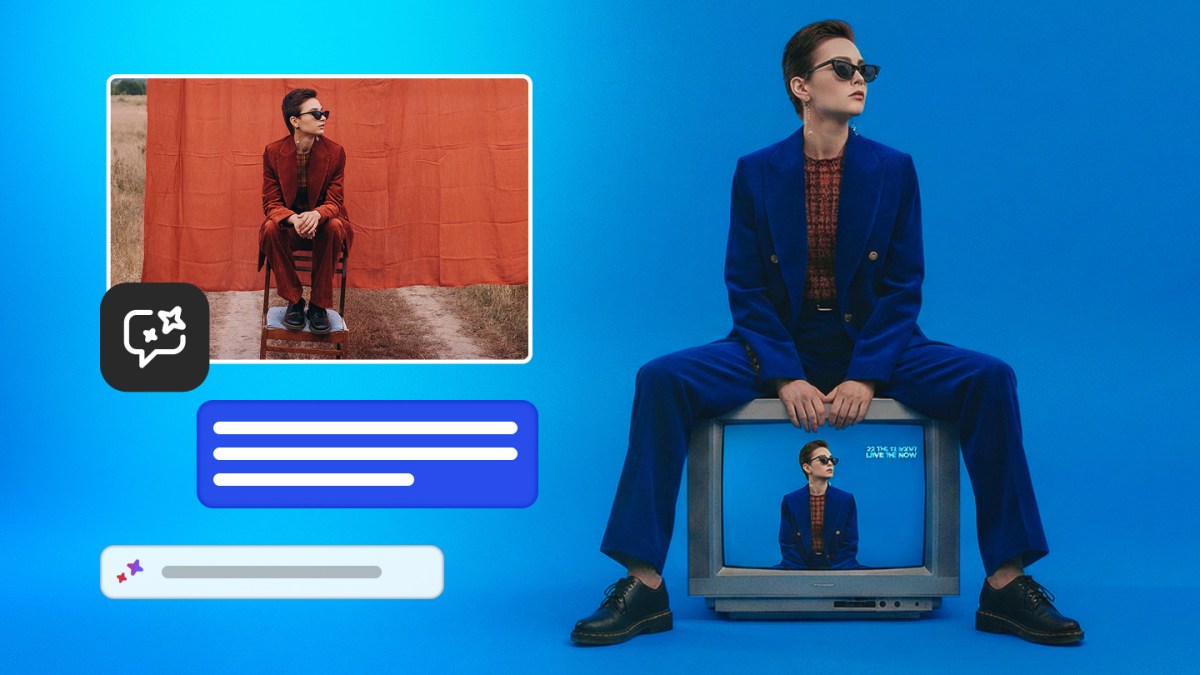
You just type or speak everyday words—like "add a soft glow" or "crop for Instagram"—and the AI does the work, removing objects, changing colors, tweaking lights, or swapping backgrounds. There's also a cool "AI markup" trick: draw a quick scribble on something, and the AI turns it into a flower or erases it entirely.
On top of that, Adobe's Firefly (their AI image maker) is getting upgrades like filling in new objects, expanding images, upscaling for sharpness, and one-click background removal—stuff Photoshop pros have used for years, now easier for everyone.
Why should you care?
Photo editing used to mean hours of fiddling with sliders and tools, like trying to paint a masterpiece with a toothpick. This AI acts like a super-skilled apprentice who understands your casual instructions, saving you time on family pics, social media posts, or side-hustle graphics. If you're not a pro designer, it levels the playing field so your edits look polished without needing classes or expensive software.
What changes for you
- Easier edits on the go: Use it in your phone's Photoshop app—no need for a powerful computer.
- Free trials: Paid Photoshop folks get unlimited AI uses through April 9 (normally it's limited); free users get 20 to play with right away.
- Firefly perks: Create or tweak images faster with tools like auto-background removal, great for quick memes, invitations, or selling stuff online.
- No big subscription hike yet: It's part of what you already pay (or free tier), encouraging more use before limits kick in.
Regular folks win big—turn a blurry vacation snap into a frame-worthy shot in seconds, not minutes.
Frequently Asked Questions
### Is the AI assistant free to use?
Paid Photoshop users get unlimited generations (AI edits) for free until April 9, then it goes back to normal limits. Free users start with 20 generations. It's all part of your existing Photoshop web or app access—no extra cost to try the beta.
### Do I need to be a Photoshop expert to use it?
Nope! You just type simple instructions in plain English, like "enhance the shadows" or "remove the trash can." The AI handles the tricky parts, making it perfect for beginners who want pro results without learning complex menus.
### When can I start using it?
It's available now in beta on Photoshop's web version and mobile apps. Head to your Adobe account, update the app, and look for the AI assistant—paid users have full access immediately.
### How is this different from other AI photo editors?
Unlike basic apps that just filter or crop, this one understands full sentences for custom changes (like swapping backgrounds) and works inside Photoshop and Firefly. It also integrates third-party AI models from companies like Google and OpenAI for better results.
### Will it replace human editors?
It speeds up repetitive stuff like object removal or resizing, freeing up time for creative choices. Pros use it to handle boring tasks, but your unique vision still needs a human touch.
The bottom line
Adobe's new AI assistant turns Photoshop from a pro-only powerhouse into an everyday magic wand for photo fixes—just tell it what you want in normal words, and it delivers. Whether you're sprucing up selfies, making flyers, or editing vacation albums, this saves hours and makes stunning results accessible without tech skills. Try it free in beta now to see how much easier your photo life can get—it's a game-changer for anyone who snaps pics.
Sources
- TechCrunch: Adobe is debuting an AI assistant for Photoshop
- Adobe News: Adobe Delivers New AI Innovations
All technical specifications, pricing, and benchmark data in this article are sourced directly from official announcements. Competitor comparisons use publicly available data at time of publication. We update our coverage as new information becomes available.