
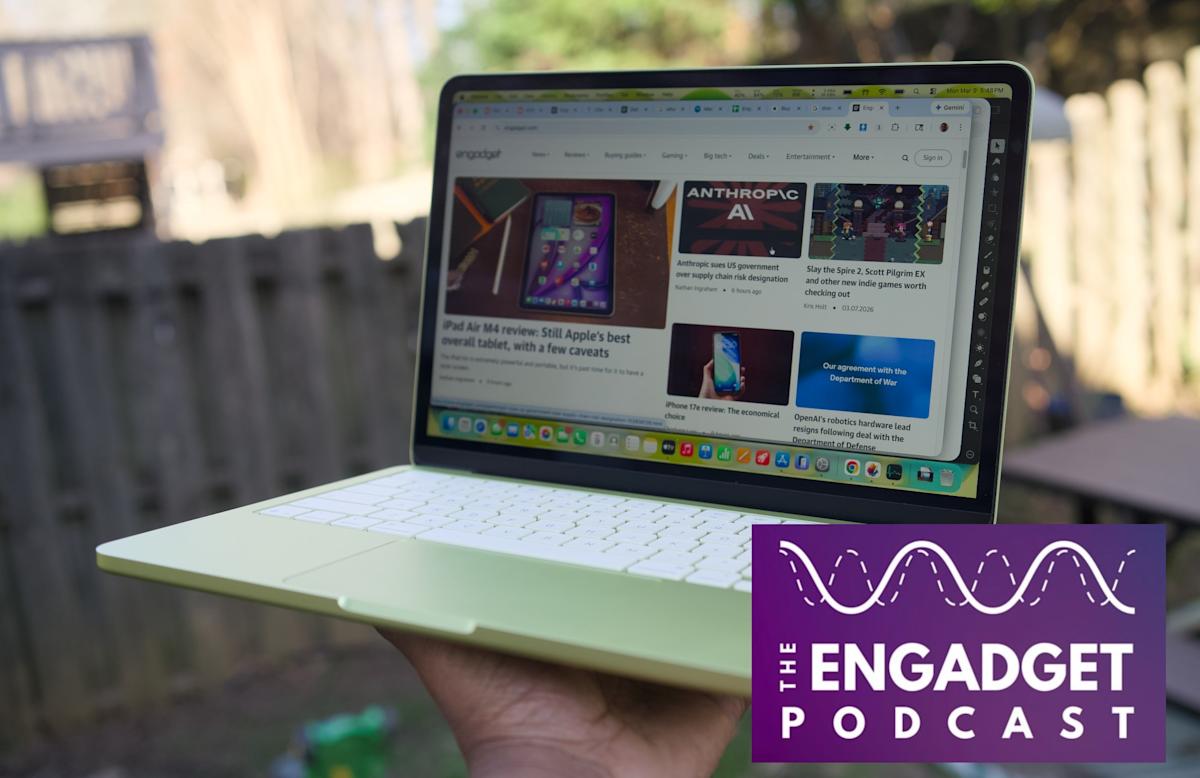
Apple just did the unthinkable: they released a Mac laptop for $599. The MacBook Neo isn't just a budget machine; according to early reviews from Engadget, it’s a "joy to use" that puts $600 Windows PCs to shame.
For the modern "vibe coder"—the developer who uses AI to bridge the gap between idea and execution—the Neo represents a massive shift. It is the first time the entry price for a dedicated AI-development environment has dropped below the cost of a high-end smartphone.
Why this matters for builders
The MacBook Neo lets you build and deploy AI-integrated applications using a dedicated 16-core Neural Engine and optimized system memory bandwidth at a $599 price point.
Previously, "vibe coding" (relying on high-level intent, AI chat interfaces, and rapid iteration) required a high-end Pro machine to handle local LLMs or complex IDEs without lagging. The Neo changes the math. By prioritizing "character and value" over raw peak performance, Apple has created a machine specifically tuned for the "Apple Intelligence" era.
"Somehow, Apple made a $599 laptop that’s actually a joy to use... it puts $600 Windows PCs to shame." — Devindra Hardawar, Engadget.
With the 16-core Neural Engine now standard, builders can run on-device inference for features like code completion, image generation, and text summarization without relying solely on expensive cloud APIs. This is the "Mac SE" moment for the AI generation.
When to use it
The MacBook Neo is a precision tool, not a powerhouse. You should reach for it when:
- Building AI-Native Apps: You need to test how your "Apple Intelligence" integrations perform on base-model hardware.
- Rapid Prototyping: You want a dedicated "distraction-free" machine for vibe coding sessions using Cursor, Windsurf, or Bolt.new.
- Edge Computing Dev: You are building lightweight Swift or Python apps that leverage
CoreML. - Educational Environments: You are a student or hobbyist who needs a reliable Unix-based environment for under $600.
- CI/CD Nodes: You need a cheap, power-efficient Mac mini-alternative in a laptop form factor for local build testing.
Phase 1: Scoping the Work for "Neo-Class" Hardware
The MacBook Neo is "low on specs but high on character." In builder terms, this means you have limited RAM (especially critical as RAM prices rise due to global shortages) but a very fast Neural Engine.
- Define the "Core Vibe": Don't try to build a monolithic enterprise app on a Neo. Scope your project as a "Micro-App" or a "Utility."
- Audit the Tech Stack: Lean toward technologies that play well with unified memory. Swift/SwiftUI is the gold standard here, but optimized Python scripts using
MLX(Apple’s machine learning framework) will also fly. - Identify the AI Surface Area: Plan to offload specific tasks—like sentiment analysis or code generation—to the on-device 16-core Neural Engine.
Phase 2: Shaping the Spec and the "Vibe" Prompt
When coding with AI on the Neo, your prompts must account for the hardware's unique constraints. You aren't just asking for code; you're asking for efficient code.
The "Neo-Optimizer" Prompt Strategy: When using a tool like Cursor or Claude, prefix your session with a system instruction that acknowledges the hardware.
Copy-Paste Template: "I am building on a MacBook Neo ($599 model). We have a high-performance 16-core Neural Engine but limited system memory. Prioritize memory-efficient Swift code. Avoid heavy external dependencies. Use native Apple frameworks (CoreML, Vision, etc.) wherever possible to leverage on-device AI. Focus on a responsive UI that doesn't bottleneck the CPU."
Phase 3: Scaffolding and Scrappy Implementation
The Neo's magic lies in its "Apple Intelligence" integration. March 11 (the ship date) will likely see a surge in tools optimized for this 16-core architecture.
- Initialize with local LLMs: Use
OllamaorLM Studioto pull a quantized model (like Llama 3 8B or Mistral) that fits into the Neo’s memory footprint. - Leverage Unified Memory: Since the Neo features a "17 percent increase in total system memory bandwidth" (per 9to5Mac), your vibe coding loop (Code -> Save -> Hot Reload) will feel faster than older Intel-based Pros.
- Use AI for the "Boring" Parts: Let the AI scaffold your boilerplate. On the Neo, you want to spend your human "compute" on the UX and the "vibe," while the Neural Engine handles the logic heavy-lifting.
Phase 4: Validating and Tuning Performance
Because the MacBook Neo is an entry-level machine, "vibe coding" isn't enough—you have to validate. A common pitfall is building an app that runs fine on a Max-spec Studio but crawls on a Neo.
- Monitor the Neural Engine: Use the "GPU/ANE" graphs in Activity Monitor. If your AI features aren't hitting the Neural Engine, you're wasting the Neo’s best asset.
- The "Thermal Check": The Neo is built for efficiency. if your build scripts are causing the chassis to throttle, simplify your
npmorpipdependencies. - RAM Management: As HP recently noted, RAM now accounts for a third of PC costs. The Neo likely has a modest amount. Use
XCode Instrumentsto check for memory leaks early.
Pitfalls and Guardrails
What if my local LLM is too slow?
The Neo's 16-core Neural Engine is fast, but it isn't a miracle worker. If a local model lags, switch to "Small Language Models" (SLMs) like Phi-3 or use a hybrid approach: local inference for privacy-sensitive tasks and cloud APIs (OpenAI/Anthropic) for complex logic.
Is the screen good enough for long coding sessions?
Early reports call it a "joy to use," but at $599, expect trade-offs in brightness or color accuracy compared to the M5 Pro models. If you are a front-end dev, validate your colors on a secondary "reference" display or an iPad Air M4.
Why not just buy a used M2 MacBook Air?
The Neo is built for the "Apple Intelligence" era. Its Neural Engine is specifically tuned for the latest AI workloads that older chips may handle less efficiently. Plus, at $599 new, it carries a full warranty and the latest memory bandwidth improvements.
What to do next
- Mark March 11 on your calendar: This is the shipping date.
- Audit your current stack: See which of your local scripts can be ported to use
CoreMLorMLXto take advantage of that 16-core engine. - Pre-order the Neo: If you need a dedicated, low-cost AI dev node or a "burner" machine for building on the go, the $599 entry point is unlikely to stay this low if RAM prices continue to skyrocket.
- Prepare your environment: Install
Homebrew,Ollama, and your favorite AI-powered IDE.