
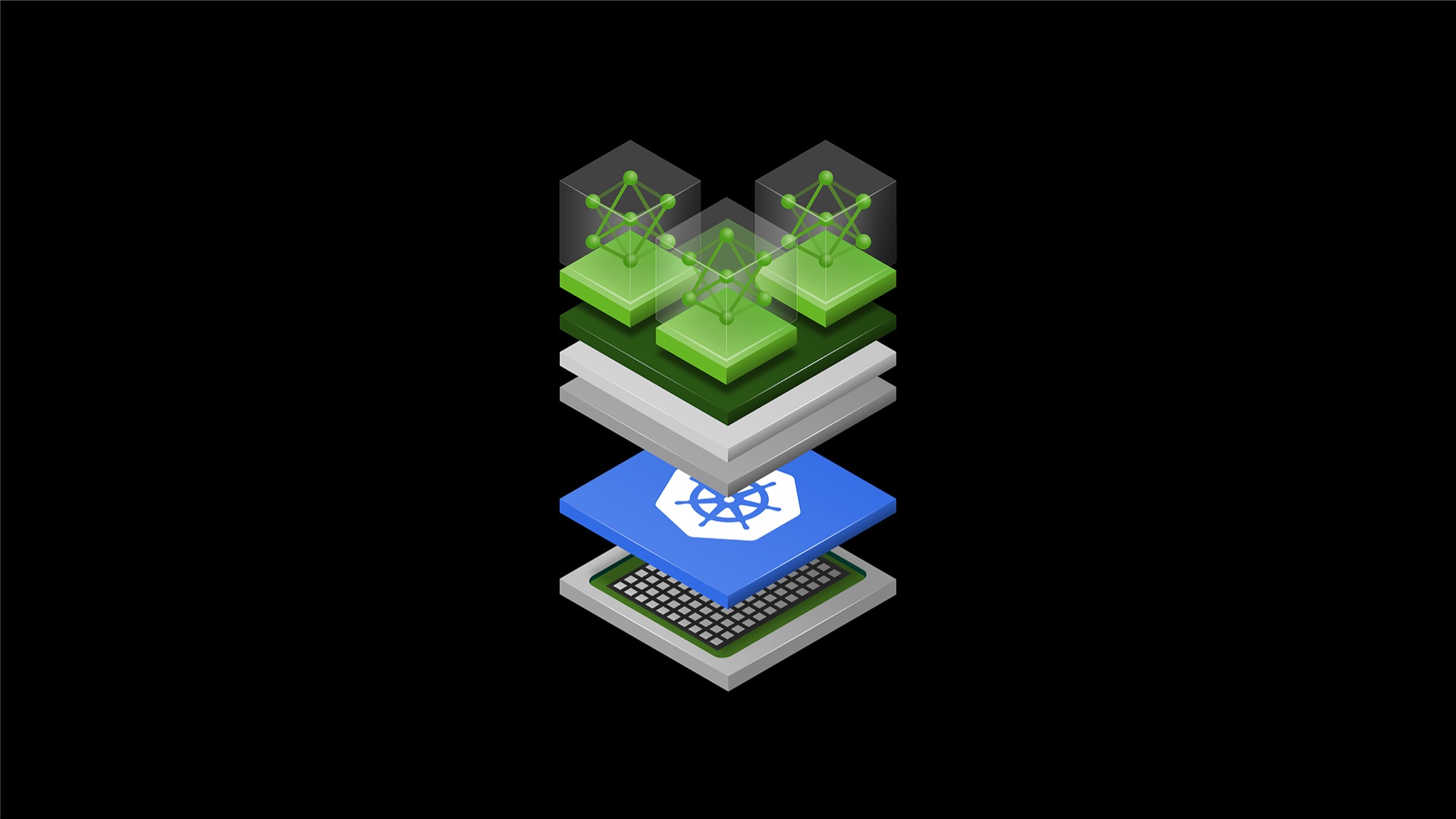
The "GPU wall" has long been the primary bottleneck for builders trying to move from a cool demo to a production-grade AI application. Historically, managing these resources required deep, vendor-specific infrastructure knowledge. That changed at KubeCon Europe 2026.
NVIDIA has officially donated its Dynamic Resource Allocation (DRA) Driver for GPUs to the Cloud Native Computing Foundation (CNCF). This moves the driver from a vendor-governed project to a community-owned standard within the Kubernetes ecosystem. For builders, this means the "vibe" of managing infrastructure just became much more fluid, programmable, and predictable.
Why this matters for builders
The NVIDIA DRA Driver for GPUs lets you dynamically provision, slice, and interconnect GPU hardware within Kubernetes using standard resource claims.
Before this, requesting a GPU was often a "whole-or-nothing" affair. You either claimed an entire A100/H100 or you hacked together complex workarounds. This donation marks a shift toward Infrastructure-as-Code for AI. It unlocks a workflow where your application code can essentially "negotiate" with the hardware for the exact amount of VRAM, compute power, or interconnect speed it needs—on the fly.
What changed?
- Open Governance: The driver is now upstream Kubernetes. No more waiting for vendor-specific updates; the community (AWS, Google, Microsoft, Red Hat) is now co-developing it.
- Granular Slicing: Native support for Multi-Instance GPU (MIG) and Multi-Process Service (MPS) means you can run dozens of small inference tasks on a single massive GPU without resource contention.
- Confidential AI: The addition of GPU support for Kata Containers allows you to run workloads in lightweight VMs, providing hardware-level isolation for sensitive data.
When to use it
This isn't for every hobbyist project, but it is essential for:
- High-Density Inference: When you need to pack 20+ small models onto a single cluster node efficiently.
- Dynamic Dev Environments: Giving developers "slices" of a GPU that reconfigure automatically when they log off.
- Massive Scale Training: Using NVIDIA Multi-Node NVLink to connect Grace Blackwell systems for LLM training.
- Confidential Computing: Running AI on regulated data (healthcare, finance) where workload isolation is a legal requirement.
The full process: From Spec to Ship
Vibe coding is about moving fast and letting AI handle the boilerplate, but infrastructure requires a rigid process to avoid "Pending" pods and resource leaks.
1. Define the Resource Spec
Don't start by writing code. Start by defining the "hardware shape" your app needs. The new DRA driver allows for "fine-tuned requests."
The Goal: Instead of asking for nvidia.com/gpu: 1, you are asking for:
- Compute: A specific slice of a GPU.
- Memory: Exact VRAM settings.
- Interconnect: NVLink requirements for multi-node setups.
2. Shape the Prompt for Scaffolding
When using an AI coding assistant (like Cursor or GitHub Copilot), you need to feed it the context of the DRA Driver. Since this is a new community standard, the AI might default to old nvidia-docker syntax.
Copy-paste this starter prompt context:
"I am deploying an AI workload on Kubernetes using the new NVIDIA DRA (Dynamic Resource Allocation) Driver. I need a Kubernetes manifest that uses a
ResourceClaimto request a GPU slice with MPS enabled and 10GB of VRAM. Ensure thePodspec references thisResourceClaimTemplateand uses the standard upstream CNCF syntax for DRA."
3. Implement the Driver Claims
In the DRA world, the orchestration happens via ResourceClaims. Your AI assistant should generate a YAML structure similar to this (ensure you check official CNCF docs for the specific API version):
apiVersion: resource.k8s.io/v1alpha3 # Example version, check latest CNCF docs
kind: ResourceClaim
metadata:
  name: my-gpu-claim
spec:
  resourceClassName: gpu-mps-class
  parametersRef:
    kind: GpuConfig
    name: ten-gig-vram-slice
This allows your application to be "hardware aware." If you are building an autonomous agent using the NVIDIA OpenShell runtime (also announced), you can integrate these resource requests directly into your agent's deployment logic.
4. Validate the Allocation
Validation is where vibe coders usually fail. You cannot assume the GPU is there just because the pod is "Running."
Checklist for Validation:
- Check Claim Status:
kubectl get resourceclaims— ensure it is "Bound." - Verify Slicing: Run
nvidia-smiinside the container. If you requested a 10GB slice on an 80GB card,nvidia-smishould only show 10GB available. - Test Interconnect: If using Grace Blackwell/NVLink, use
p2pBandwidthLatencyTestto verify multi-node speeds.
5. Ship and Monitor with KAI S
To go to production, use the KAI S (NVIDIA's high-performance AI workload scheduler) mentioned in the announcement. It works in tandem with the DRA driver to ensure your jobs are scheduled on the most efficient nodes, reducing "tail latency" in your AI responses.
Copy-paste templates
AI-Assisted "Hardware Negotiator" (Python Starter)
If you are building an agent that needs to scale its own infrastructure, use this logic to help your AI assistant write the scaling code:
# Use this snippet to prompt your AI for a scaling script
def generate_gpu_claim(memory_gb, compute_type="mps"):
    """
    Prompt the AI to generate a K8s manifest for a DRA claim.
    Goal: Dynamic reconfiguration of hardware on the fly.
    """
    manifest = f"""
    apiVersion: resource.k8s.io/v1alpha3
    kind: ResourceClaim
    spec:
      resourceClassName: {compute_type}-gpu
      parameters:
        memory: {memory_gb}Gi
    """
    return manifest
Pitfalls and guardrails
What if my Pod stays in "Pending" status?
This is the most common issue. With DRA, a "Pending" pod usually means the ResourceClaim cannot be satisfied. Check kubectl describe resourceclaim <name>. It will tell you if the requested "fine-tuned" compute power (e.g., 20GB VRAM) isn't available on any node.
How do I know if I should use MIG or MPS?
- Use MIG (Multi-Instance GPU) when you need hard isolation. If one container crashes or overflows, it cannot affect the other. Best for multi-tenant environments.
- Use MPS (Multi-Process Service) when you want maximum utilization and lower overhead for many small, trusted processes sharing a single GPU.
Can I use this with existing Docker containers?
Yes, but you need to move to the Kata Containers runtime if you want the "Confidential Computing" security benefits mentioned in the NVIDIA announcement. This provides a stronger layer of isolation than standard runtimes.
What to do next
- Audit your GPU utilization: Use
nvidia-smito see if you are wasting VRAM. If you're using less than 50% of a card's memory, you are a prime candidate for DRA. - Explore the "Agentic" side: Look into AI Cluster Runtime and NVSentinel (for fault remediation). These tools, combined with DRA, allow you to build "self-healing" AI clusters.
- Check Hardware Compatibility: Ensure your cluster is running NVIDIA Grace Blackwell or compatible systems if you plan to use the Multi-Node NVLink features.