
The short version
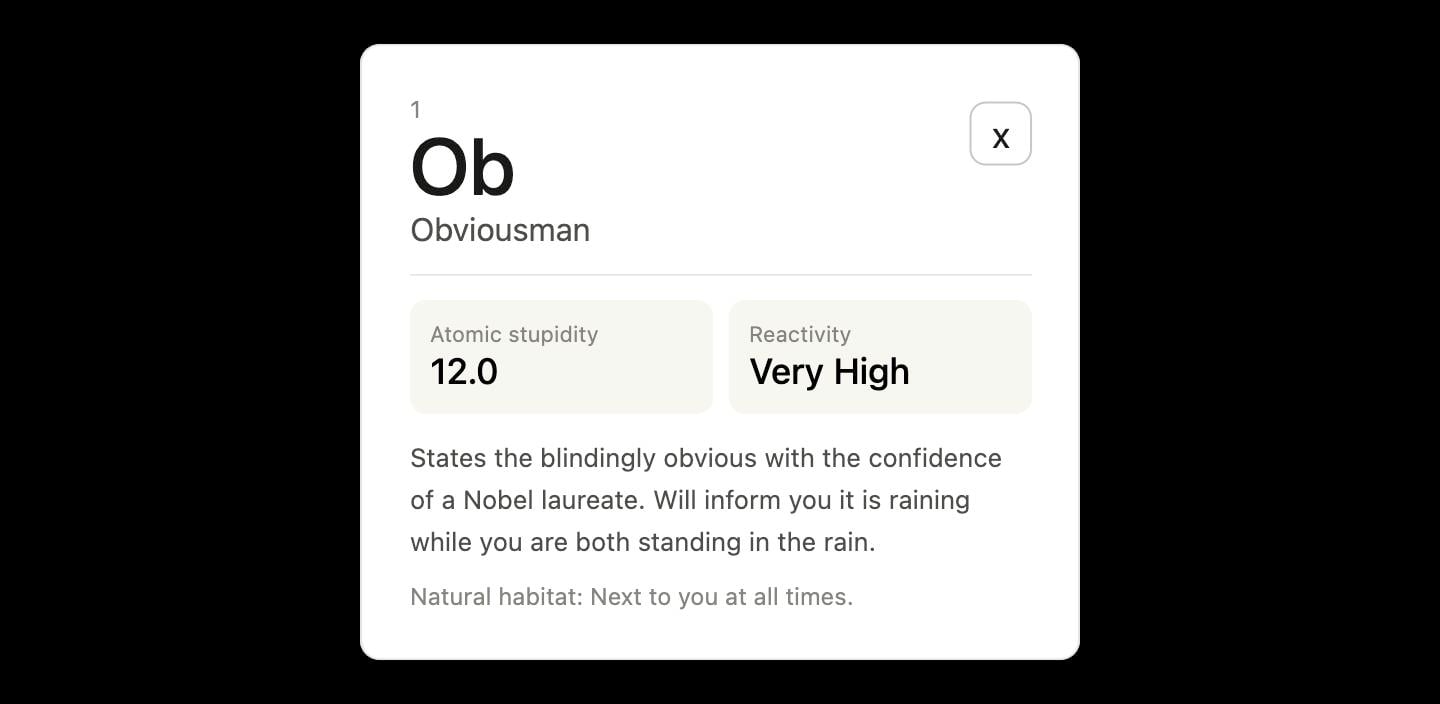
Anthropic’s Claude AI can now generate interactive charts, diagrams, and mini-apps directly inside your chat window. Instead of just giving you text, Claude can build custom visuals—complete with sliders and buttons—that let you explore data and concepts hands-on. This new beta feature is turned on by default, making it easier to understand complex topics without having to hunt for external tools.
What happened
Most of us are used to talking to AI like it’s a search engine or a chatty assistant. You ask a question, and it gives you a wall of text. But sometimes, text isn’t enough. If you’re trying to understand how compound interest works or visualize a budget, a static table is often confusing.
Anthropic, the company behind the AI model Claude, has rolled out a new "beta" feature that changes the game. Instead of just writing a report, Claude can now write tiny, temporary pieces of software—using coding languages like HTML and JavaScript—to build a visual experience right inside your chat.
Think of it like the difference between someone describing a rollercoaster to you versus actually getting to move a joystick to see how the car moves on the track. You can interact with these charts, move sliders to change the data, and watch the visual update in real-time.
Why should you care?
This is a big step toward making AI truly useful for everyday problem-solving. Here is why it matters to you:
- No more digging for tools: In the past, if you wanted to see how a financial concept worked, you might have had to search Google for "compound interest calculator," click through websites full of ads, and hope you found something that wasn't broken. Now, you just ask Claude to "show me," and it builds a custom tool for you on the spot.
- It’s personalized: Because Claude is generating these visuals as part of your conversation, you can ask it to change them. If you’re looking at a chart about savings and decide you want to see what happens if inflation hits, you can just ask, "Add an inflation slider," and it will update the chart instantly.
- Better learning: If you are a visual learner, text-based AI can feel like reading a textbook. These interactive tools make it much easier to grasp "the big picture" of a topic because you can literally manipulate the variables and see the results.
What changes for you
Starting now, you might notice that Claude automatically decides when a chart or diagram would help explain its answer better. If it detects that a visual would be useful, it will pop one up in your chat window.
You don’t have to be a coder to use this. You can simply ask Claude to "create a chart showing X" or "diagram this process for me." If you want to change something about the visual, you can just keep talking to the AI, and it will adjust the code and the chart to match your request.
Frequently Asked Questions
Is this feature free to use?
The feature is currently available as a beta service for Claude users. As it is built into the standard Claude interface, you can access it through your regular account.
How is this different from other AI tools?
While other AI models can generate images (which are just pictures), Claude is generating functional, interactive mini-apps. You aren't just looking at a drawing; you are looking at a tool that you can actually click, slide, and modify while you talk.
When can I use this?
It is available now. The feature is on by default, so the next time you ask a question that involves data or a complex process, you might see Claude offer a custom visual instead of just a paragraph of text.
Can I save these charts permanently?
The current version of this feature is intended to be a temporary, "just-in-time" tool to help you during your conversation. If you need to keep your work, you may want to take a screenshot or copy the information you need, as these mini-apps aren't designed to be persistent folders in your account.
The bottom line
Claude’s new ability to "draw" interactive charts isn’t just a fun party trick—it’s a move toward AI that actually does things for you rather than just talking about them. By creating personalized, hands-on tools on the fly, Claude is making complex information much easier to digest. Whether you are budgeting, studying, or just curious, you now have a personal data analyst sitting inside your chat app, ready to sketch out the answers whenever you need them.