
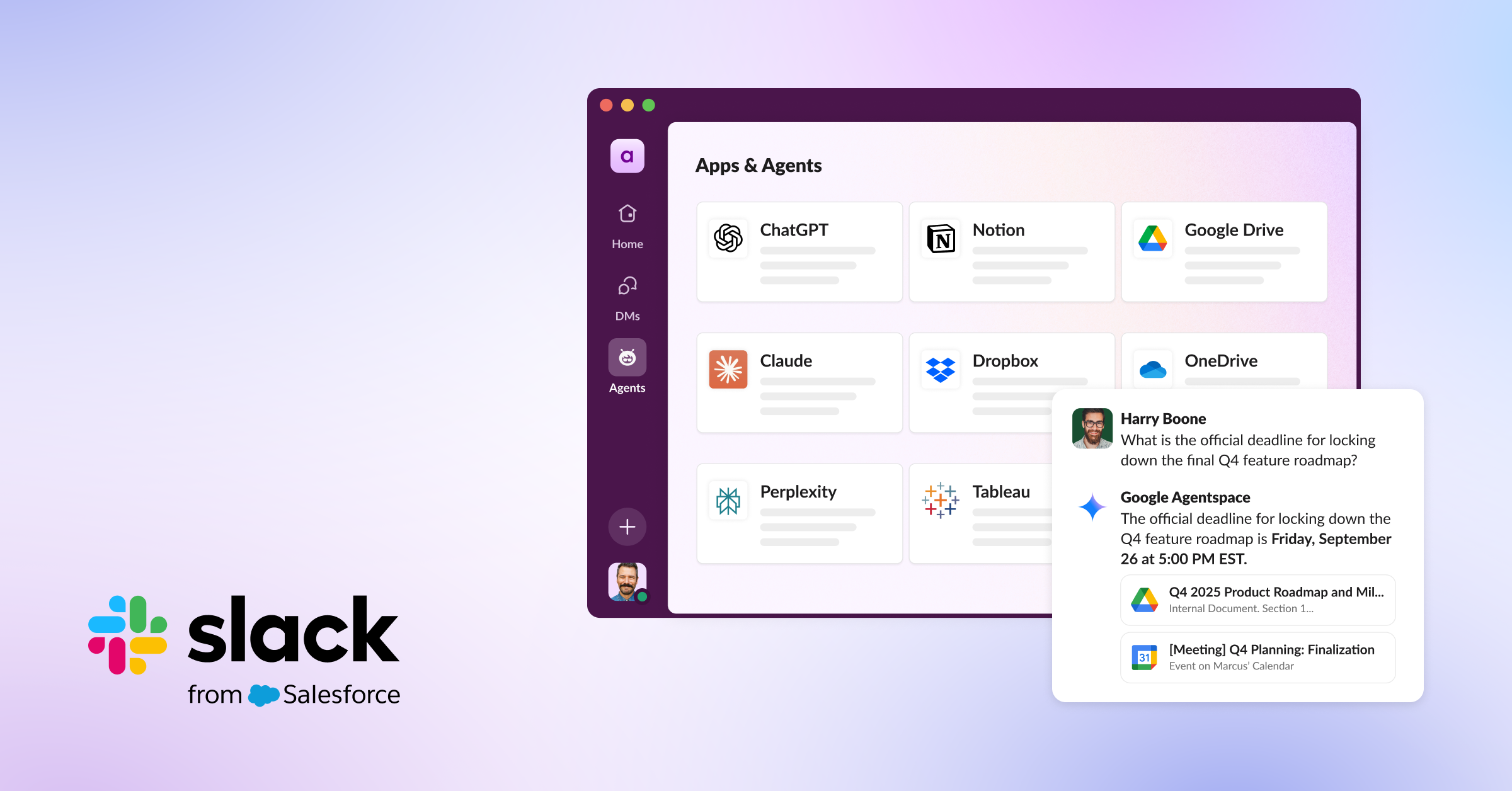
Slack’s new platform updates are a set of tools that allow AI "agents"—smart digital assistants—to securely read and use your team’s Slack conversations to help you work faster. By connecting these AI tools to your daily discussions, Slack aims to cut down on the time you spend switching between apps, searching for files, and repeating information.
The short version
Slack is updating its platform to let AI tools securely access your team’s conversations, making these digital assistants much smarter and more helpful. Instead of working like a generic chatbot, these AI agents can now "understand" your team’s specific discussions, projects, and decisions. This change is designed to help you finish tasks faster, stop jumping between different apps, and get more work done without the usual digital clutter.
What happened
Imagine you have a super-smart assistant who sits in on all your meetings but can never actually read your emails or chat logs. If you ask them a question, they might give you a generic, unhelpful answer because they don't know the full story.
Until now, most AI tools in the workplace have been a bit like that assistant. They didn't have access to the "hidden" knowledge tucked away in your Slack channels—the decisions made, the files shared, and the context of your projects. Slack is changing this by giving developers new, secure ways for AI to "read" the important parts of your conversations. Think of it like giving your AI assistant access to the company’s internal library of notes so they can provide answers that are actually relevant to your specific team.
Why should you care?
If you feel like you spend half your day just trying to find the right information or copying and pasting data between different apps, this is for you.
The main goal here is to stop "context switching"—that exhausted feeling you get when you jump from a sales database to a project management tool, then to a document, and finally to a chat app to tell someone what you found. If an AI agent can read your Slack messages and automatically update your sales records or help you resolve an IT ticket, you save time. Slack notes that teams using these kinds of tools are seeing faster decision-making and quicker responses to customers.
What changes for you
You likely won't notice a giant "button" change overnight, but you will see new, more capable AI apps appearing in the Slack Marketplace.
- Smarter Help: You’ll be able to ask agents to handle complex tasks, like analyzing a marketing campaign or updating a customer record, directly inside Slack.
- Less Searching: Because the AI can now see your team’s discussions, it can find the answer you need without you having to dig through old messages or files.
- Unified Workflow: You can keep working in one place (Slack) rather than constantly hopping over to other software.
Security remains a priority. Slack has built these tools so that the AI can access the information it needs to help you, without your sensitive data being "bulk-downloaded" or stored in insecure ways. It respects your existing privacy settings, so you stay in control of what the AI can see.
Frequently Asked Questions
Is this safe for my private company data?
Yes. Slack built these new tools with "enterprise-grade" security in mind. The AI agents only access the specific information they need to perform the task you've asked for, and they must follow your existing security and permission rules.
Does this mean a robot will read all my private messages?
These tools are designed to use data to help you be more productive, not to spy. The system is built to respect granular permissions, meaning the AI only interacts with the relevant info needed to complete your specific task, rather than having free rein over every single word you type.
When can I start using this?
Many of these new features are being rolled out to developers and partners now. You will start seeing new, more powerful AI apps and agents appearing in the Slack Marketplace as these companies build them using Slack’s new tools.
Do I have to pay extra for this?
The Slack update itself is a platform improvement for developers and companies. Whether or not you pay more will depend on the specific AI apps or tools your company decides to install from the Slack Marketplace, as those are built by outside companies like OpenAI, Google, or Notion.
The bottom line
Slack is trying to turn into a "command center" for your work life by letting AI assistants learn from your team’s conversations. By connecting the dots between your chats and your work tools, the goal is to stop you from wasting time on repetitive administrative chores. For the average user, this means less time hunting for information and more time actually getting things done.